
A blank NFC sticker doesn't look like much, only a little round label with maybe a faint chip outline if you hold it to the light.
Then you tap the top of an iPhone to it. The phone reads a short note off the chip. That note might be a website, a Wi-Fi 🛜 login, a shortcut — or even a Lightning pay address. If a Lightning wallet is on the phone, iOS will often suggest that wallet. You tap the suggestion to pay. Not a website. Not a hunt through Settings.
This is a field guide to the sticker: how it is built, where the iPhone listens, how read and write differ, why a lock cannot be undone, and how you could, if you wanted, store a Lightning address with a preset amount in sats.
You can program the tags yourself — home automation, APIs, whatever you need the tap to do.
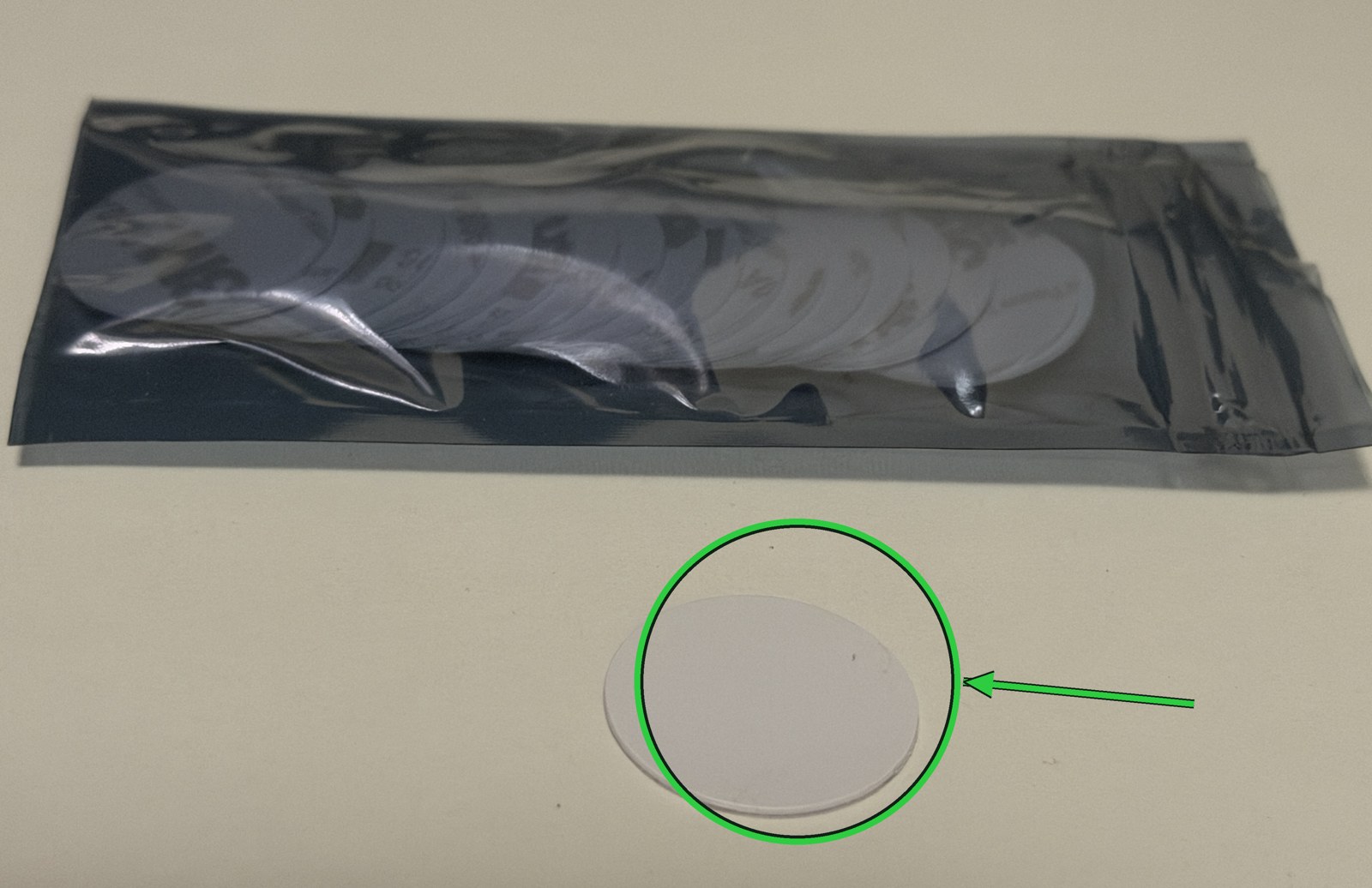
The pack. One white circle is already out.
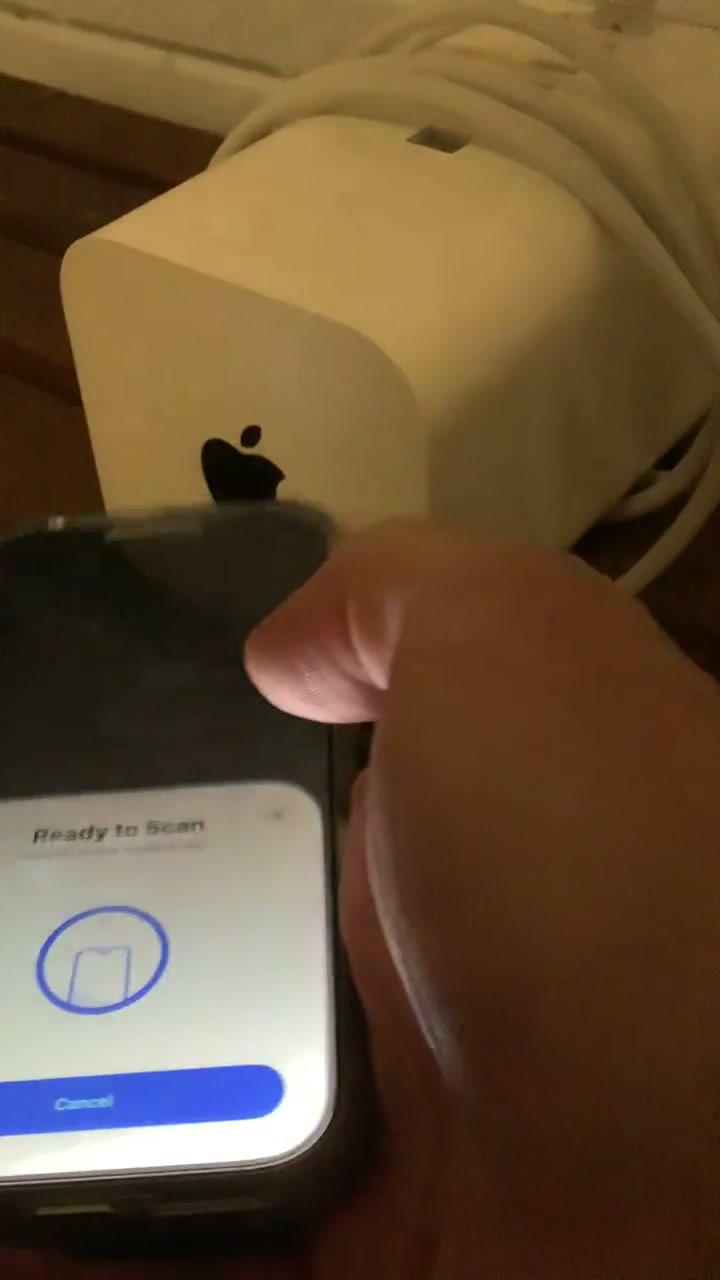
The sticker on an Apple brick. It really doesn't look like much until the phone notices it.
1. Anatomy: a mailbox with a coil
NFC means Near Field Communication. "Near" is the word that matters. The tag and the phone have to be almost touching — about the thickness of a case, not across the counter.
Inside the sticker there is no battery. A coil picks up a 13.56 MHz field from the phone, a tiny chip wakes up, and a short note comes back. Think of it as a mailbox 📫 with no lock on the street side: anyone with the right phone can read the note. Writing a new one takes a writer app. Some boxes can be welded shut, and that weld does not undo.
The cheap stickers I used were NXP NTAG 216. I had remembered the pack as 215s. For a while I thought one of them was a 213. It wasn't. It was a 216 that got written incorrectly and locked, while I was adding NFC to Cryptbrew.
A 216 has about 900 bytes. Plenty for a URL, a Wi-Fi 🛜 login, or a Lightning pay address. Keep it rewritable while you are still testing.
You are not storing a movie. You are storing a short note.
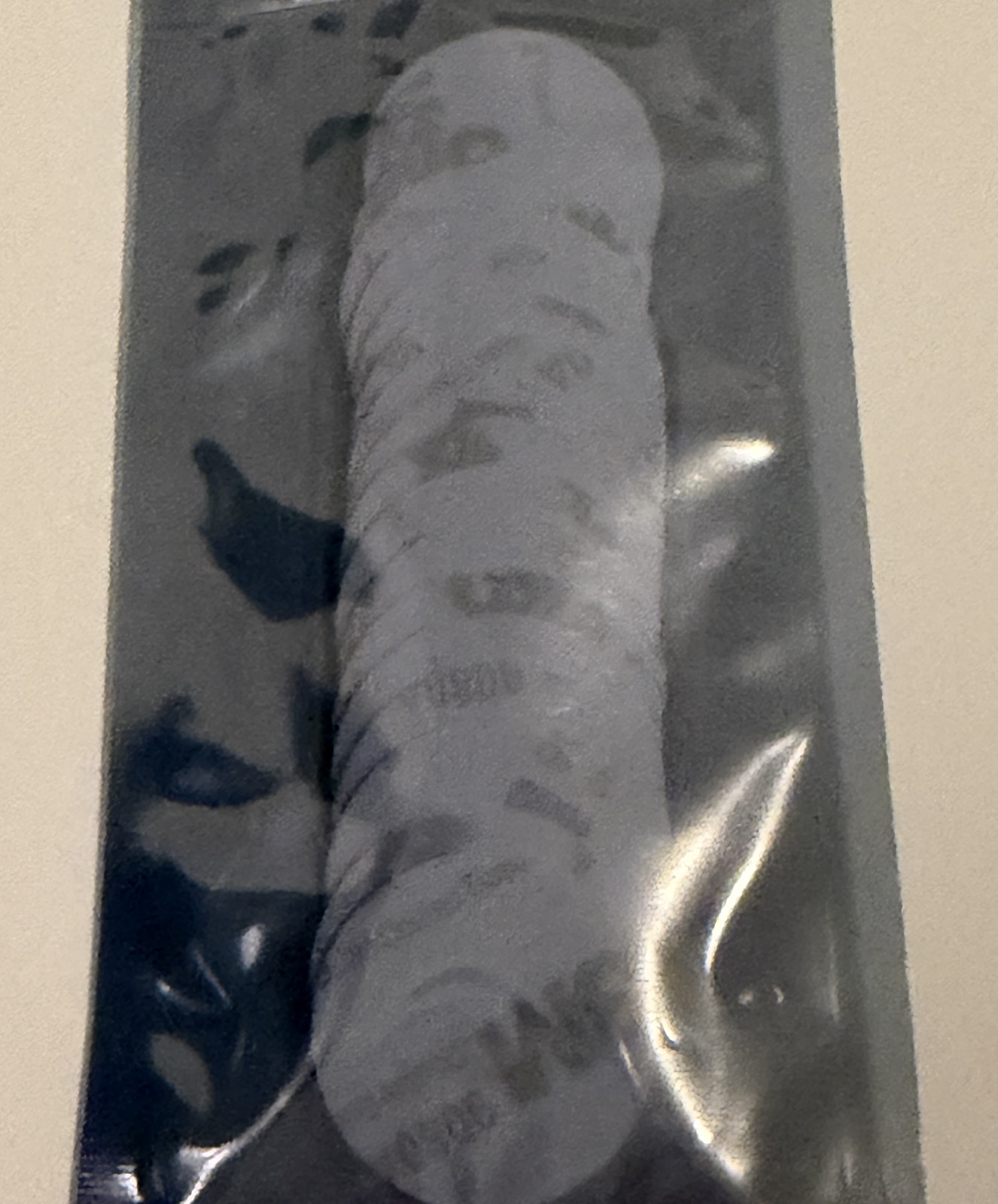
Same stickers in the sleeve. 3M on the back.
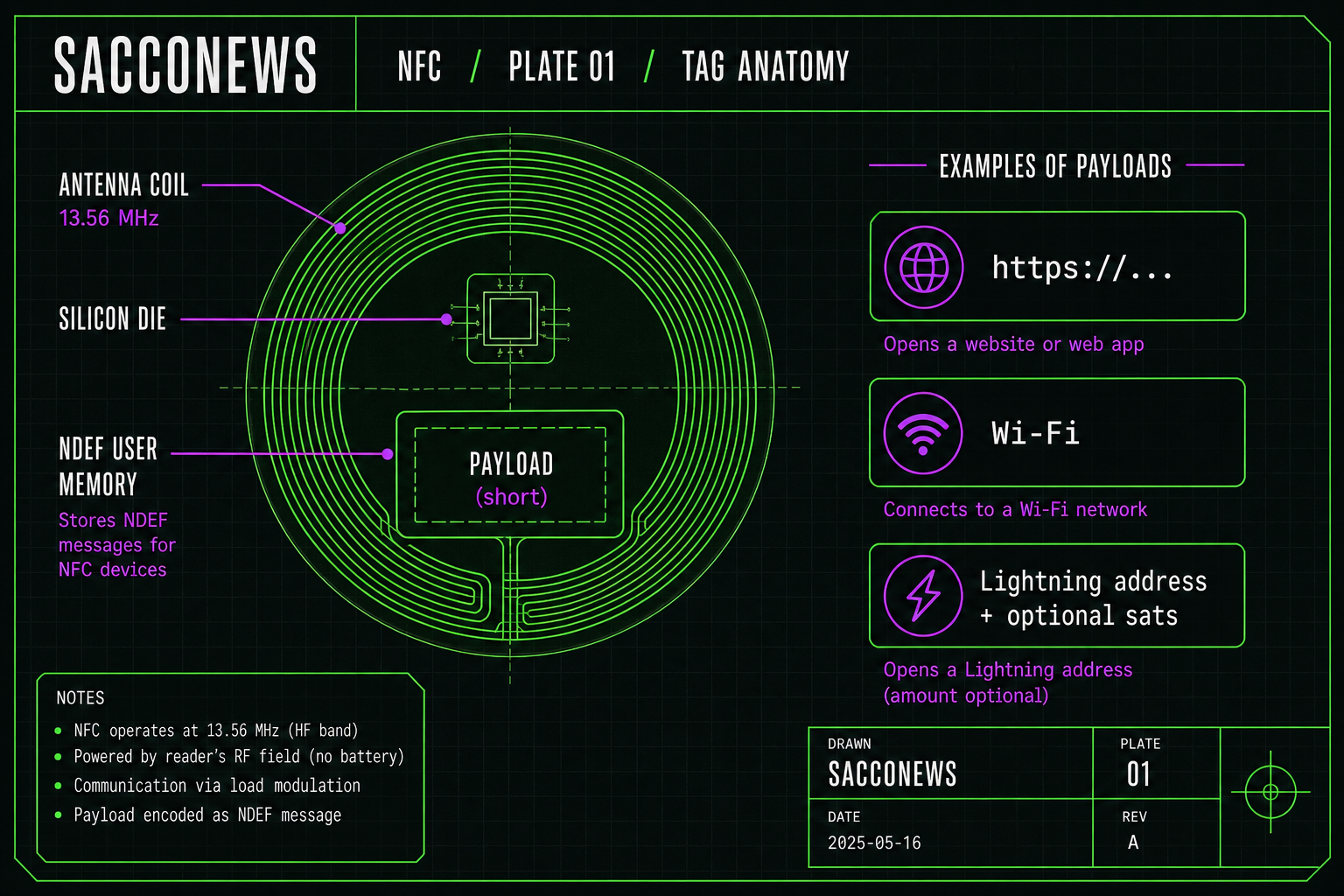
Plate 01 — tag anatomy. Coil, chip, payload. Lightning is one optional note, not the chip itself.
2. Geometry: the iPhone listens at the top
People tap the middle of the phone, or the camera bump, and nothing happens. The reader sits up near the front camera. Hold the top of the phone to the sticker. A light contact is enough.
On iPhone XS and later, an unlocked phone can read a note with no app open. iPhone 7, 8, and X usually need a reader app. Writing takes a writer — Shortcuts, a tag app, or, for a Lightning pay address, Cryptbrew.
Apple Pay is NFC too, but that is the phone pretending to be a card. This is the other direction: a dumb sticker holding a note.
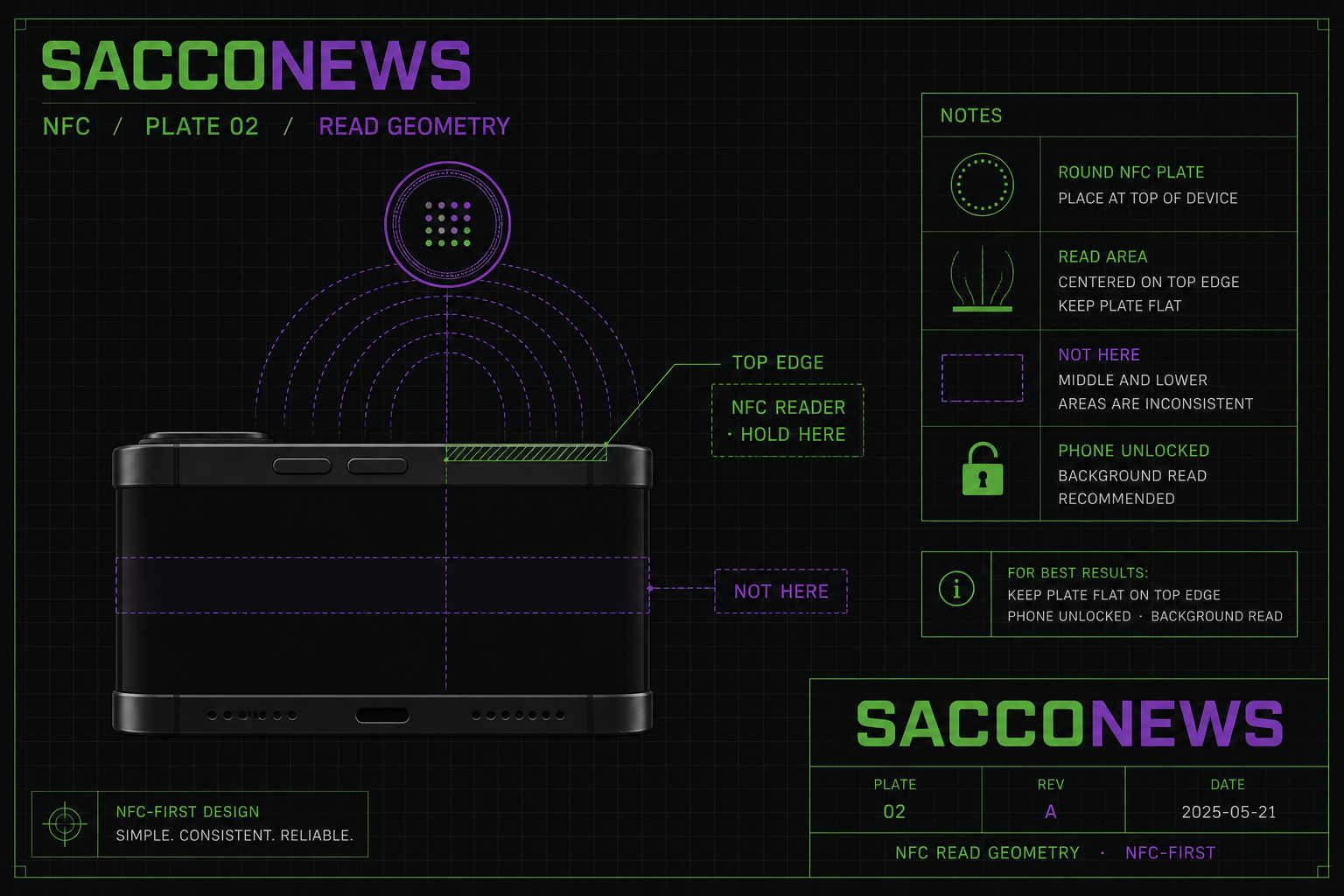
Plate 02 — read geometry. Top edge. Not mid-body. Phone unlocked.
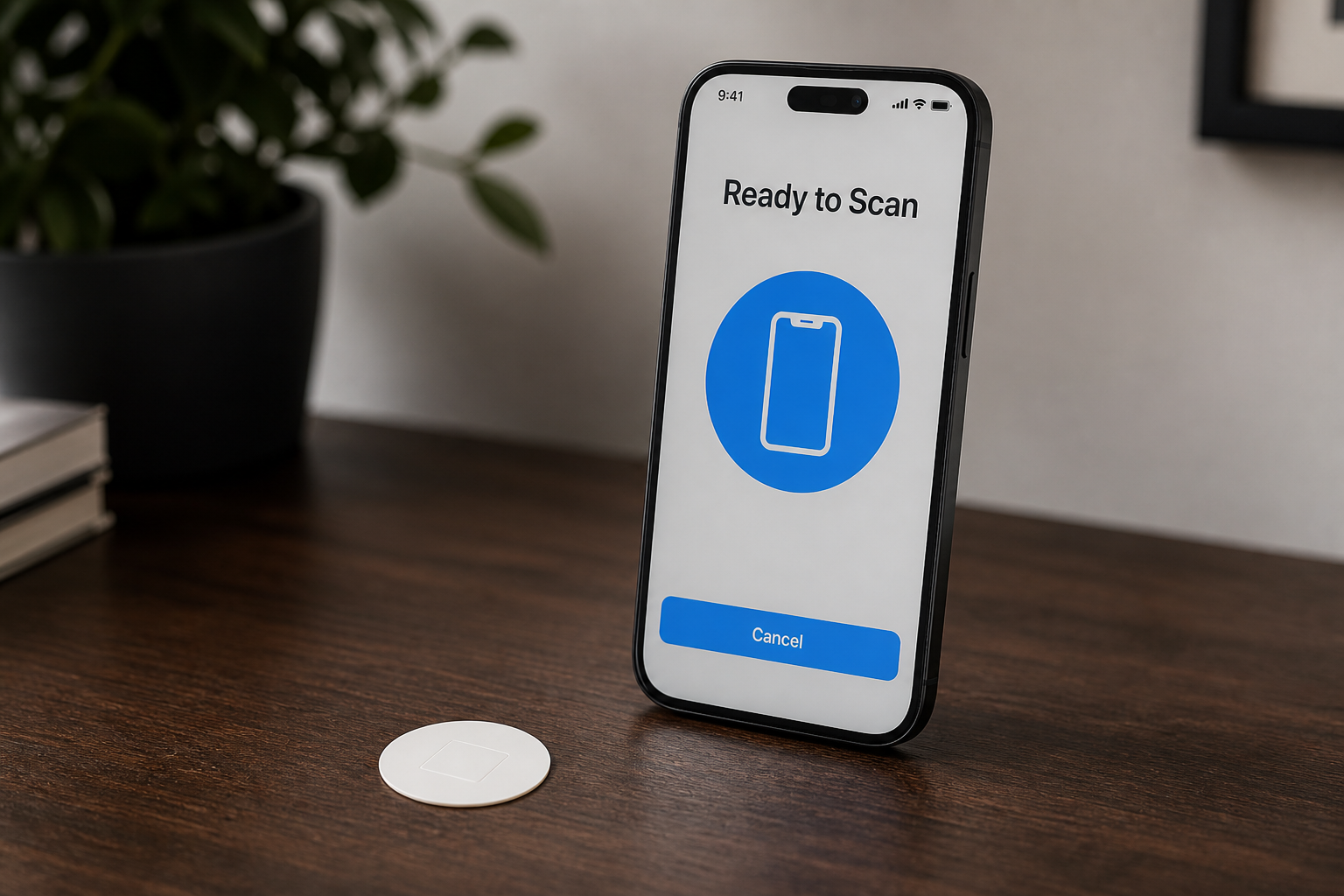
Ready to Scan. That sheet is the handshake for a write, and sometimes for a read.
3. Read versus write
When a tag is set up the usual way, the note on it is in a format called NDEF. Forget the acronym. Call it a tidy sticky note.
Reading does not change the tag. You can tap it a hundred times. The note stays.
If the note is a Lightning pay address, and you have a Lightning wallet on the phone, iOS will often suggest that app — a banner you can tap. The wallet opens, ready to pay (sometimes with the preset amount properly attached). No typing the address. That is optional. The same tap on a URL note just offers Safari, or whatever app claims the link.
Writing is a different job. The iPhone does not save something onto the sticker because you thought about it. You tell a writer app what to put on the tag, then you tap.
The usual sequence:
- Open a writer.
- Choose the note: a URL, Wi-Fi, a shortcut, or — if you want — a Lightning pay address, with a preset sat amount baked in.
- Start the write. The phone puts up Ready to Scan.
- Put the top of the iPhone on the sticker and keep it there for a second.
- The app confirms. Then read it back with a normal tap, as if you were a stranger.
The "correct signature" is not Bitcoin cryptography. It is a well-formed note the iPhone knows how to parse, and the contents you meant. If the note is messy, the phone shrugs.
Do not weld a one-shot Lightning invoice onto a sticker. Invoices expire. A Lightning pay address stays put. A preset sat amount, if you use one, lives on that sticker as part of the note.
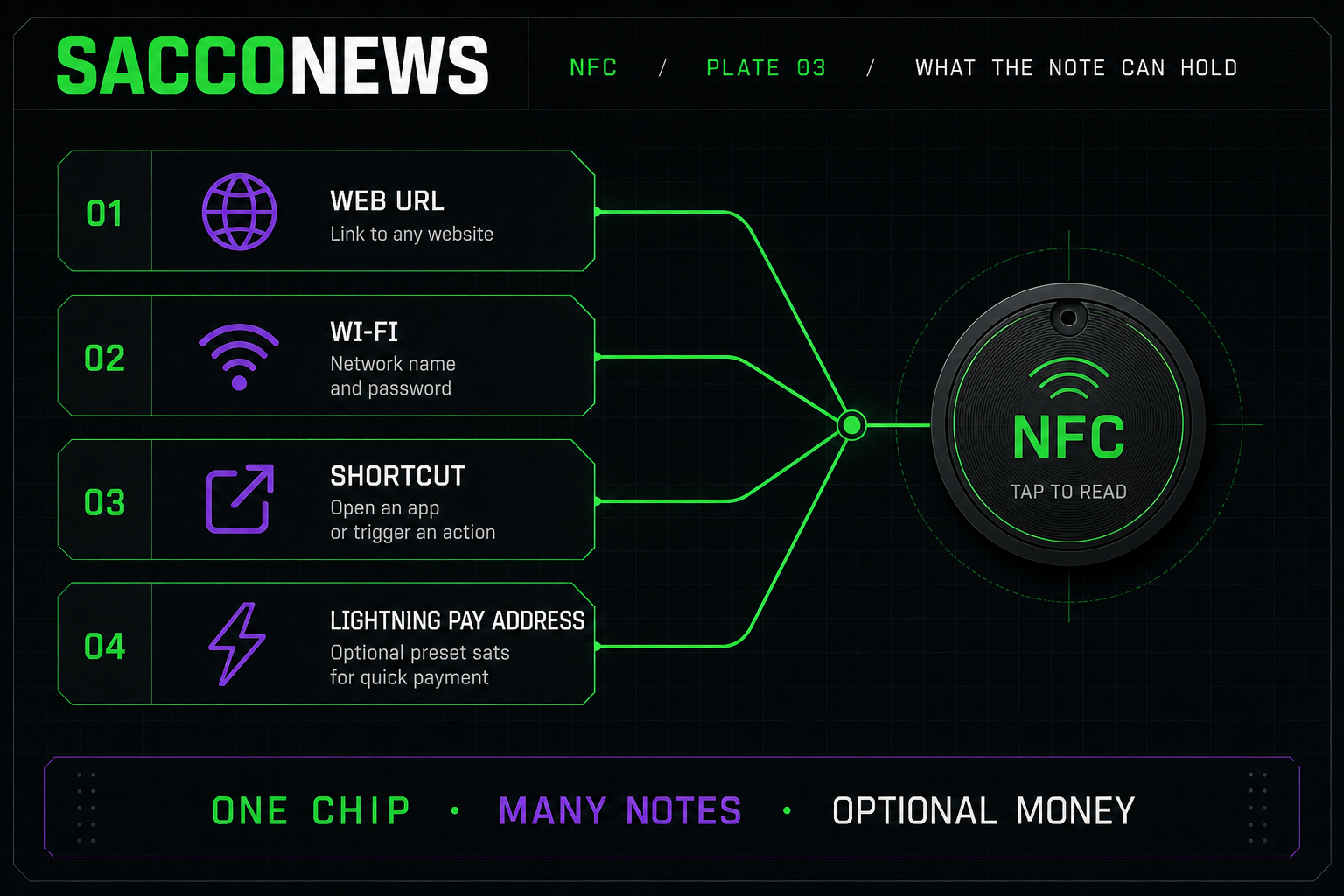
Plate 03 — one chip, many notes. Lightning pay address with optional preset sats is one of them.
4. The lock is a one-way fuse
Cheap NTAG stickers can be permanently locked.
The lock is not a password. The note inside can still be read. It cannot be replaced. There is no undo.
That happened to me while adding NFC to Cryptbrew. A write went down wrong. The sticker was an NTAG 216. The note never landed. A reader called it Empty, Writeable No — blank, and already locked. I had it labeled a 213 in my head. It was not.
Some writer apps put Make read-only next to Write. It is easy to tap in a hurry. Not every first write locks — only if that option is on, or if the write is messy enough to trip one — but on a 216 that is still a real way to brick the mailbox.
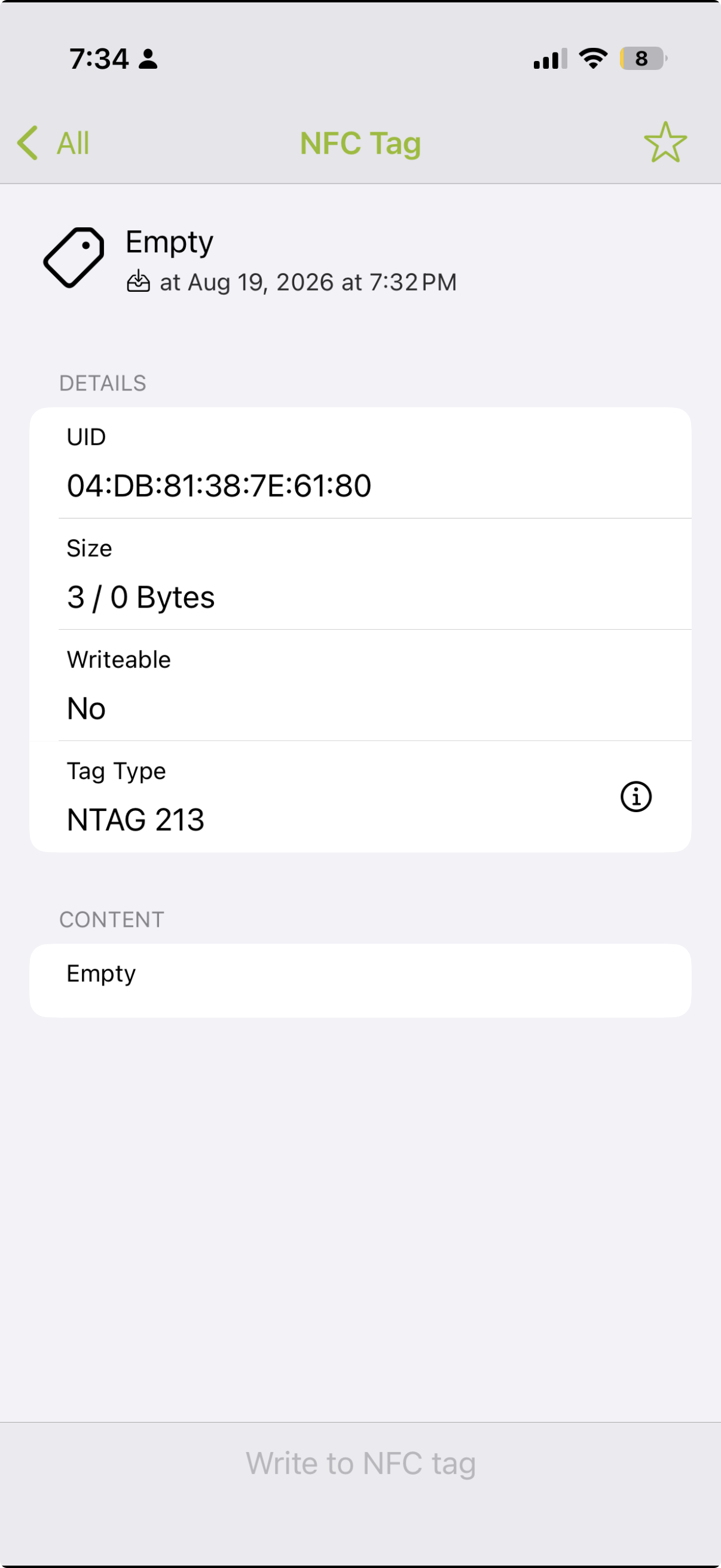
Wrote it wrong: Empty, Writeable No. Blank, and locked.
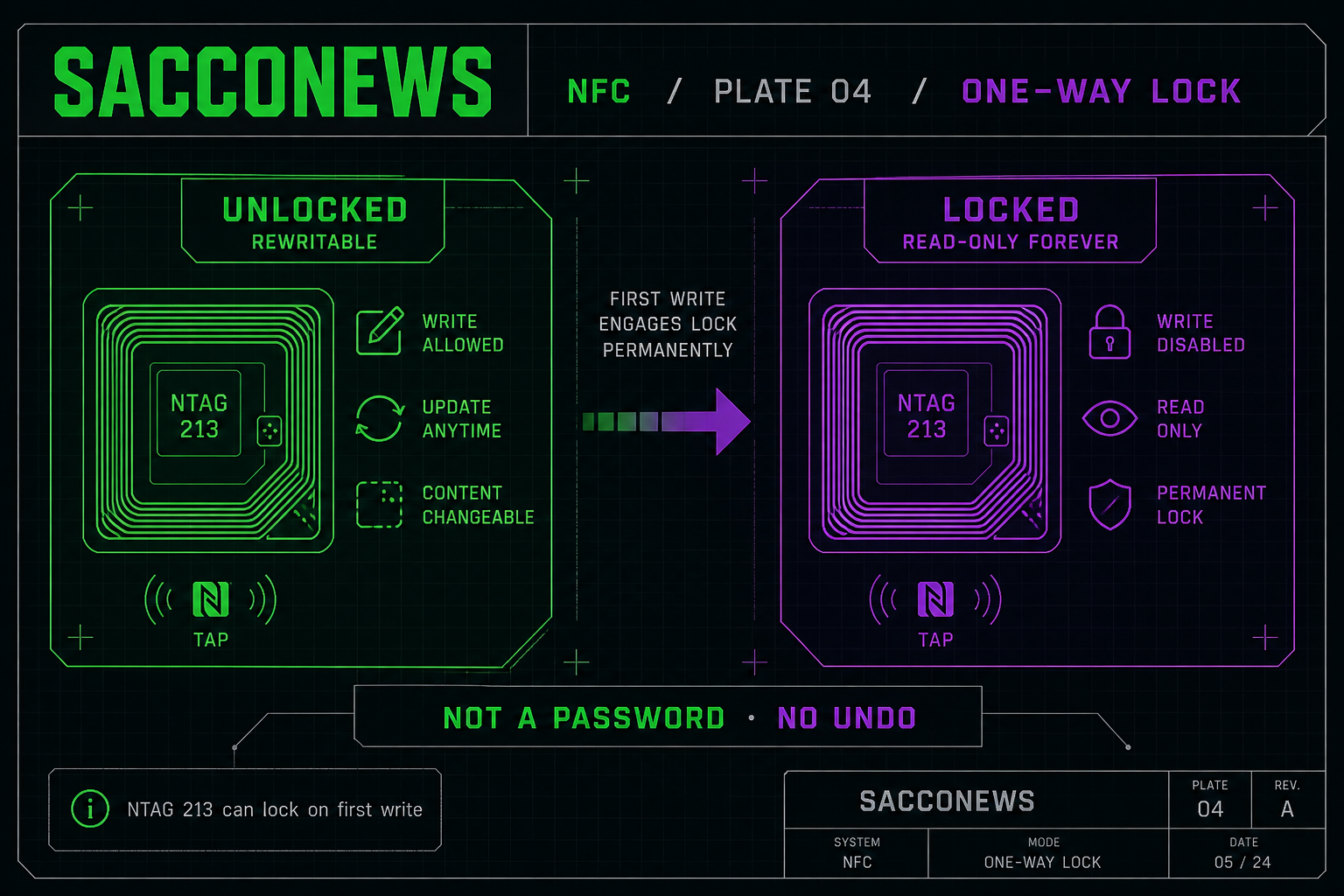
Plate 04 — one-way lock. Not a password. No undo.
So the rule is simple:
- Write.
- Walk away from the writer app.
- Read it like a stranger.
- Only then, if you want the sticker to be tamper-proof, lock it.
Lock is useful when the note should not change — a menu, a Wi-Fi 🛜 tag, or a Lightning pay address on a counter. Skip locking until you have read the note back. A 216 can lock just as dead as a smaller chip.
5. One optional note: Lightning address, preset sats
You could program a tag as a tiny pay token.
Same Lightning pay address on three stickers. Different preset amounts:
- 1,000 sats
- 5,000 sats
- 21,000 sats
Customer unlocks, holds the top of the phone to the 5,000-sat token. If they have a Lightning wallet, the phone will often suggest that app. They tap the suggestion.
I used this while building Cryptbrew. The sticker was the physical button.
6. Explain it to a friend
- Tiny mailbox 📫. Coil, no battery.
- iPhone listens at the top edge.
- Read is a tap. Wallet on the phone? iOS often suggests it.
- Write takes an app, then a tap.
- One possible note: a Lightning pay address, maybe with a preset sat amount.
- Lock is a one-way fuse. Read back first.
A 20-pack costs about $10. Same tap, whether the note is a menu or a pay address.
Not financial advice.
Comments
No comments yet. Be the first — comments appear after a quick review.
Leave a comment
Comments are reviewed before they appear publicly.